How the app works
From a website URL to on-brand assets in five steps. The same flow runs in the app, over MCP, or through the REST API — the API calls below are shown for reference.
Get a key first
Every call below needs an API key. If you are a person, sign in to the app. If you are an agent, follow For agents to self-serve one.
Extract a brand from a URL
Give assets.dev a website. It captures colors, fonts, logo, and voice and returns a brand document you can edit. In the app this is the first screen; over the API it is an extraction job you poll.
curl -s -X POST "https://app.assets.dev/api/v1/extractions" \
  -H "authorization: Bearer $API_KEY" \
  -H "content-type: application/json" \
  -d '{ "url": "https://stripe.com" }'
Response:
{ "id": "ext_...", "status": "queued" }Poll until it is ready, then read the extracted brand document:
curl -s "https://app.assets.dev/api/v1/extractions/$EXTRACTION_ID" \
  -H "authorization: Bearer $API_KEY"
Confirm and edit the brand
Review the extracted tokens and fix anything the extractor got wrong — swap a color, pick a different logo, adjust the voice. Saving stores a canonical brand document. Each save is a new version, so renders can pin stable output. See Brands for the model.
curl -s -X POST "https://app.assets.dev/api/v1/brands" \
  -H "authorization: Bearer $API_KEY" \
  -H "content-type: application/json" \
  -d @brand.json
Response:
{ "id": "brand_...", "name": "Stripe" }Pick a template
Choose one of the 12 templates. Each declares a content schema (the fields it needs) and the formats it supports. List them:
curl -s "https://app.assets.dev/api/v1/templates" \
  -H "authorization: Bearer $API_KEY"
Read one template's schema:
curl -s "https://app.assets.dev/api/v1/templates/proof-quote" \
  -H "authorization: Bearer $API_KEY"
Render
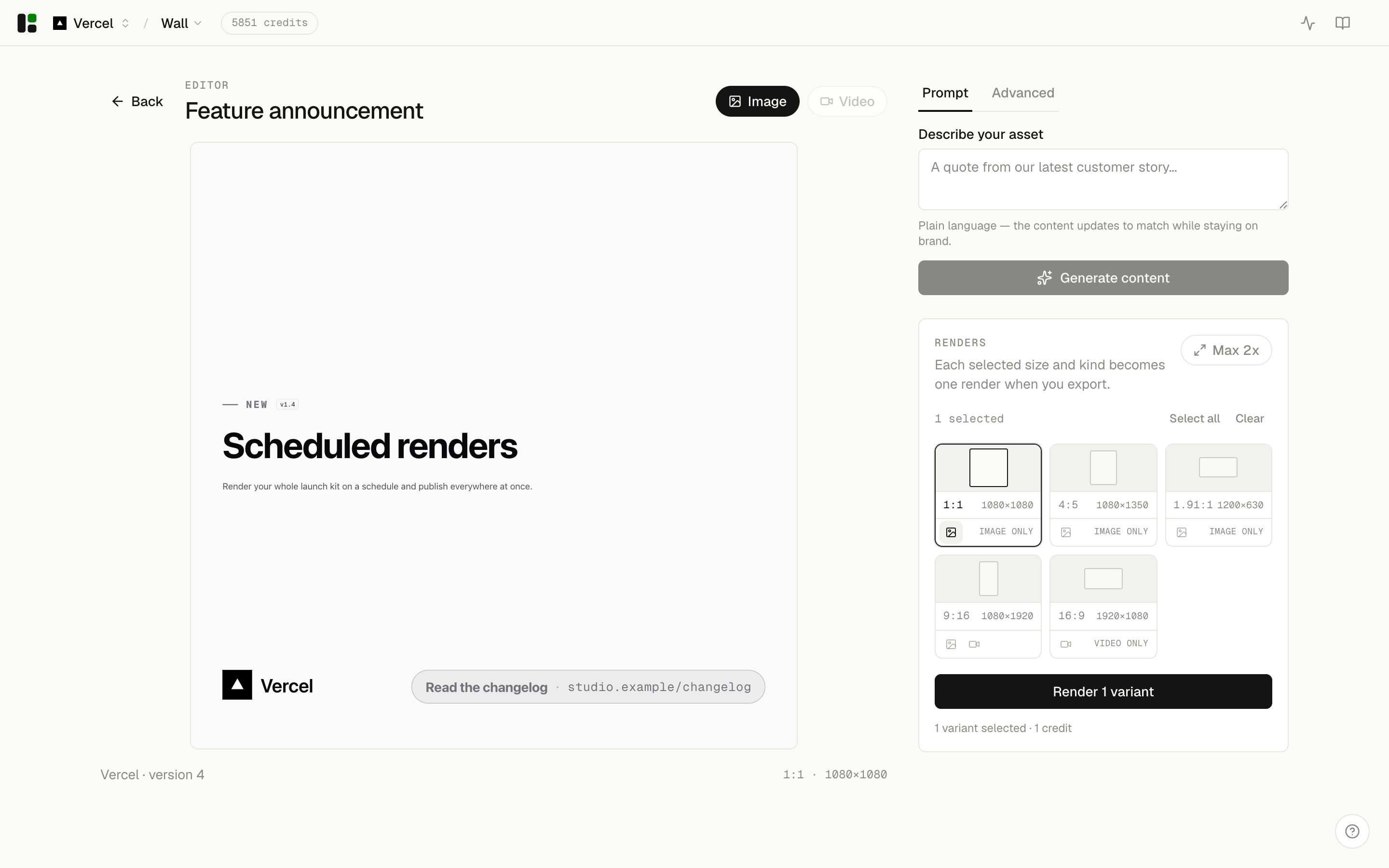
Submit the template, your brand, and your copy. A single batch can request up to twenty variants
that mix stills and videos across the formats a template supports (for proof-quote: square,
portrait, wide, and story).
curl -s -X POST "https://app.assets.dev/api/v1/renders" \
  -H "authorization: Bearer $API_KEY" \
  -H "content-type: application/json" \
  -d '{
    "templateId": "proof-quote",
    "brandId": "'"$BRAND_ID"'",
    "content": { "quote": "Ship the work, not the meeting.", "author": { "name": "Ada Vale", "role": "Head of Product" } },
    "variants": [
      { "format": "wide", "kind": "still" },
      { "format": "square", "kind": "video", "durationS": 10 }
    ]
  }'
Response:
{ "jobs": [{ "id": "job_...", "status": "queued" }] }Collect the output
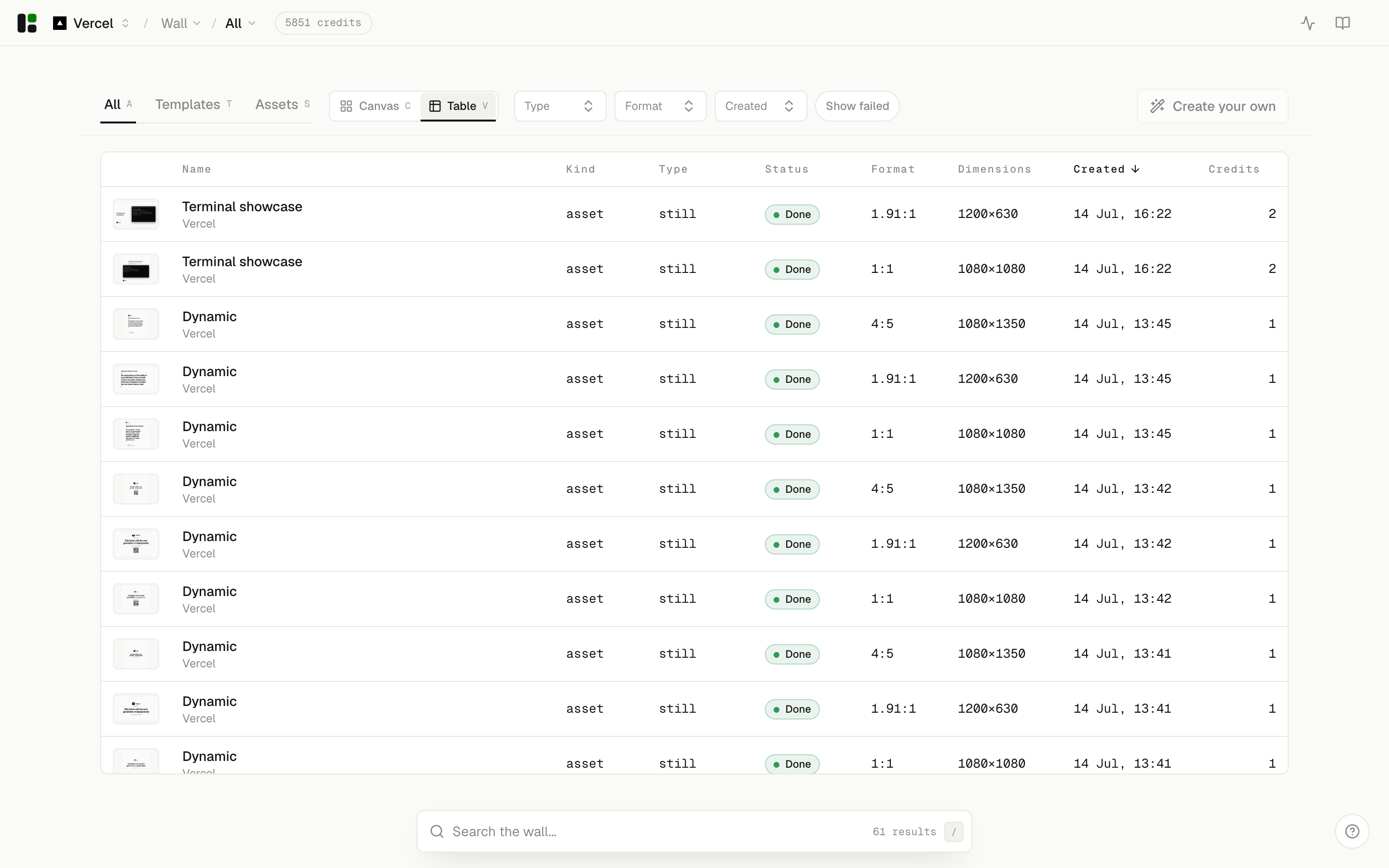
Poll each render until it is completed, then download the file. Renders debit credits up front;
a failed render is refunded automatically. See Credits.
curl -s "https://app.assets.dev/api/v1/renders/$RENDER_ID" \
  -H "authorization: Bearer $API_KEY"
Status moves queued → rendering → completed.
Prefer to poll less
Register a webhook to be told when a render finishes instead of polling. See Webhooks.